Writing across devices: why it matters and how to make it work
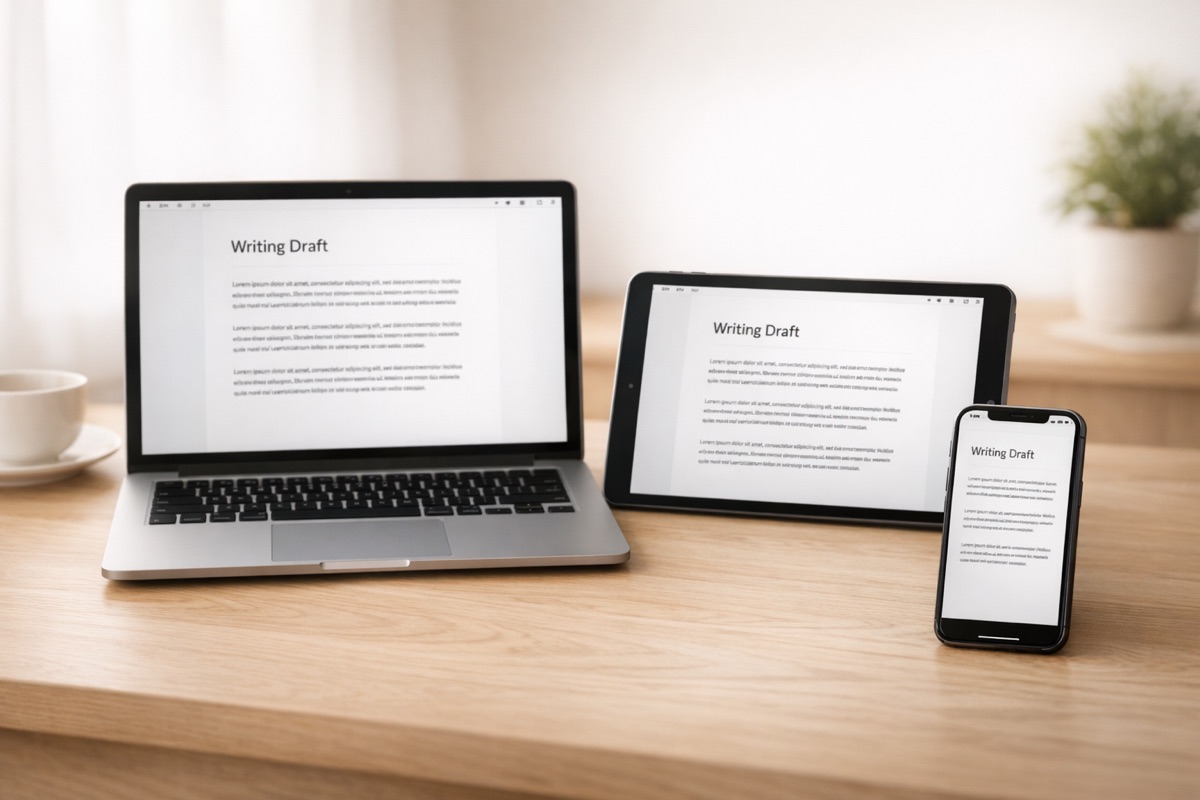
Most writers do not sit down at the same desk every time they write. Some days it is the laptop at home. Other days it is a tablet on the train or a phone during a lunch break. The problem is not finding time to write. It is that the draft is stuck on one device while you are somewhere else.
Multi-device writing is not about having the latest hardware. It is about removing the friction between having an idea and being able to act on it.
The real cost of being tied to one machine
If your manuscript only lives on your laptop, you only write when the laptop is open. That sounds obvious, but the effect is bigger than it seems. Writing momentum depends on frequency. A novelist who writes four days a week will almost always outpace one who writes in occasional marathon sessions, even if the total hours are similar.The gap between sessions matters. When you come back to a draft after two or three days, you spend time re-reading, re-orienting, figuring out where you left off. When you wrote something yesterday — even just a paragraph on your phone — the story is still fresh. You sit down and start.
What good multi-device support actually looks like
Not all sync is equal. Plenty of apps technically work on more than one device but make the experience painful enough that you stop bothering.Your work should just be there
No manual exports. No emailing files to yourself. No wondering which version is current. When you open the app on a different device, the project should be exactly where you left it — same chapter, same cursor position if possible, same structure.The interface should fit the device
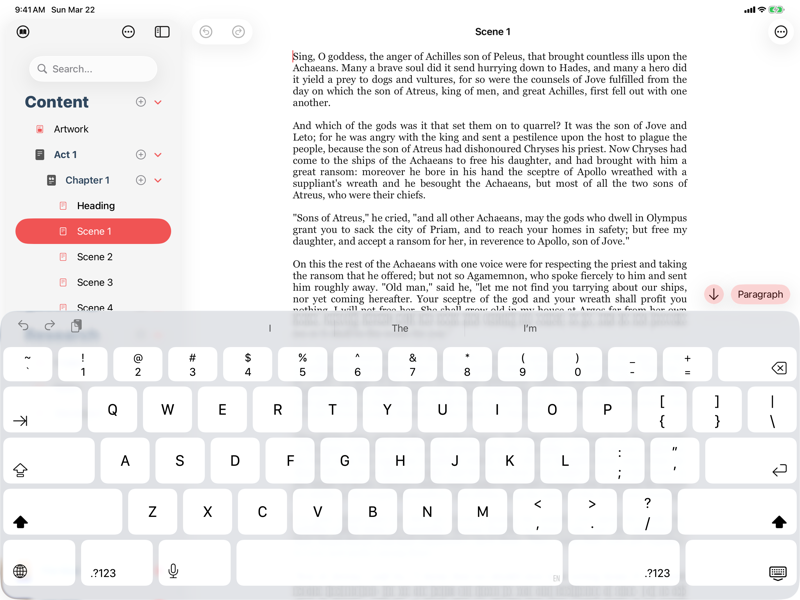
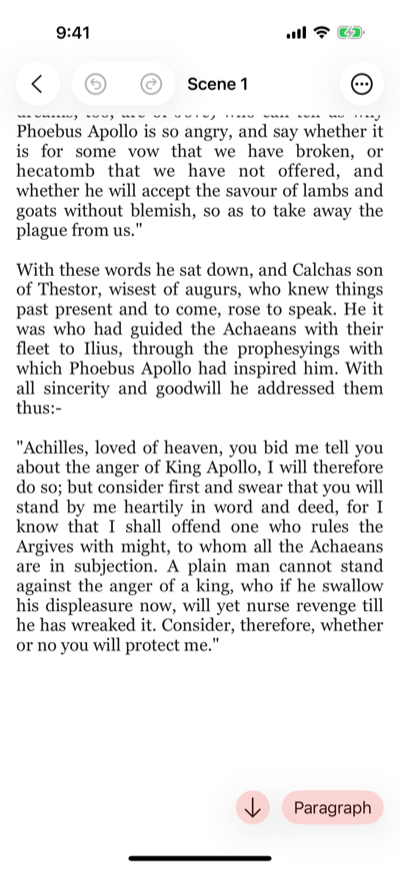
A writing app on an iPhone should not look like a shrunken desktop window. The controls, the text size, the navigation — all of it should feel right for the screen you are holding. Writing on a phone is not the same as writing on a 13-inch laptop. The app needs to understand that.Sync should be fast and invisible
If you close your laptop and pick up your iPad, the transition should take seconds, not minutes. You should not need to pull down to refresh or force-quit the app to trigger a sync. It should just happen.Where writers actually use each device
Different devices suit different parts of the writing process.Laptop or desktop
This is where most heavy drafting happens. A full keyboard, a large screen, and the ability to see your outline and manuscript side by side. If you are writing three thousand words in a sitting, this is probably where you are doing it.Tablet
Tablets sit in an interesting middle ground. With a keyboard attached, they are close to a laptop. Without one, they are better for reading, reviewing, and light editing. A lot of writers use tablets for revising scenes, reorganising chapters, or reading through what they wrote the day before.Phone
Nobody is going to write a whole novel on their phone. But phones are surprisingly useful for short bursts: capturing a line of dialogue that came to you on a walk, fixing a paragraph that has been nagging you, or reviewing your outline before a writing session. The key is that the barrier to entry is low. Unlock, open, write.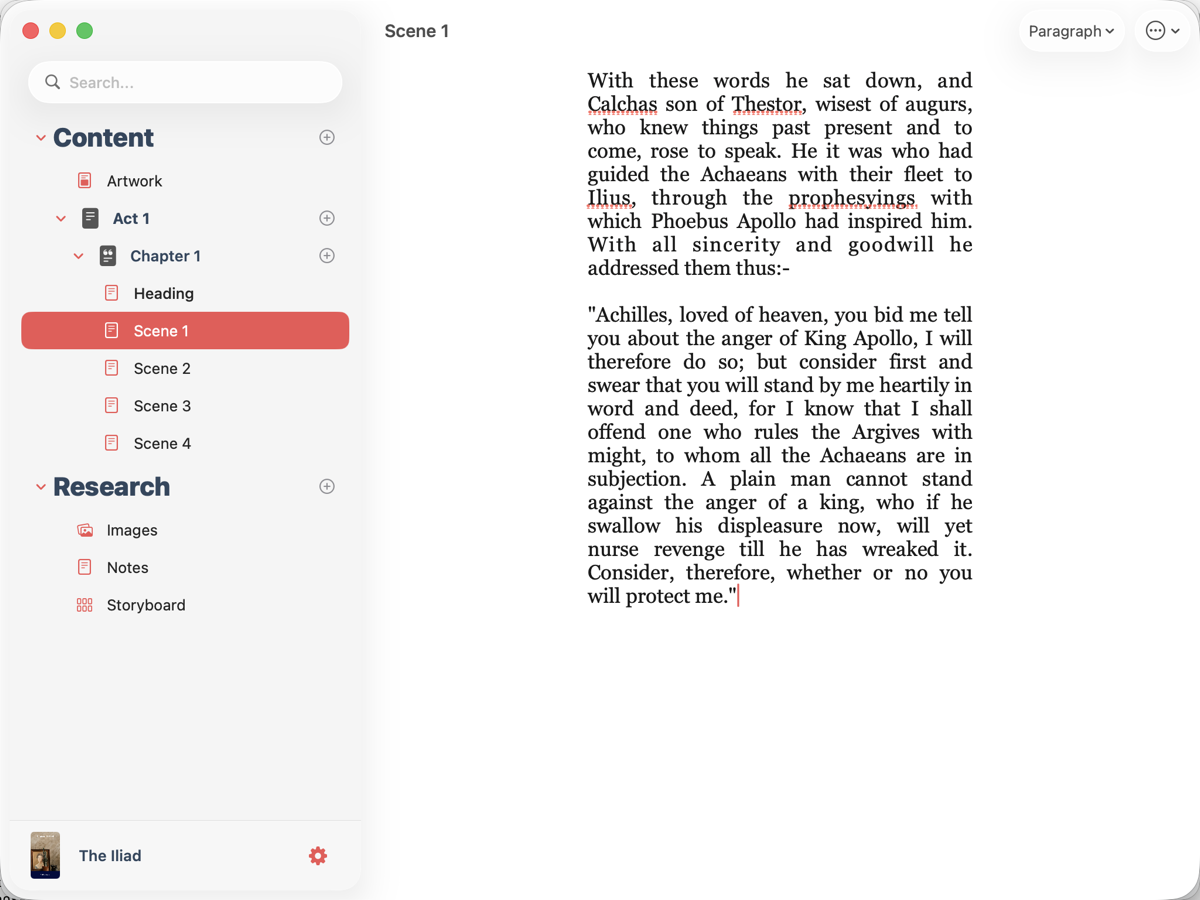
The sync problem most writers have experienced
If you have ever used a writing tool that syncs through a generic cloud service — Dropbox, iCloud Drive, Google Drive — you have probably hit the merge conflict. You edited the file on one device before the other finished syncing, and now you have two versions. Or worse, one overwrote the other.This is not a sync problem in the traditional sense. It is a design problem. Writing apps that treat your manuscript as a single file being tossed between devices will always run into this. Apps that sync at a deeper level — understanding the structure of your project, your chapters, your notes — can handle simultaneous changes without losing work.
Making it work in practice
A few habits help you get the most out of writing across devices.- End each session mid-sentence. This is an old Hemingway trick, but it works especially well with multi-device writing. When you pick up your phone later, you know exactly where to start.
- Use your phone for notes, not just drafting. If your app keeps research and notes alongside your manuscript, the phone becomes a place to jot down ideas that feed into tomorrow’s writing session.
- Do not reorganise on a small screen. Moving chapters around, restructuring your outline — save that for a bigger display where you can see the full picture.
- Trust the sync. Once you have verified that your app handles it well, stop worrying about it. The mental overhead of wondering whether your changes saved is its own kind of distraction.
How Plotten handles this
Plotten runs natively on Mac, iPad, and iPhone, with sync that keeps your projects, chapters, notes, and research in step across all three. The interface adapts to each device — full workspace on Mac, focused writing on iPhone — so you are not fighting the screen size. Your outline, your manuscript, your formatting settings: everything is there when you pick up a different device.If you have been writing on one machine and wishing the draft would follow you, it is worth a look.