Scrivener alternatives for Mac and iPad
Scrivener is still the benchmark a lot of writers measure other apps against. It is powerful, flexible, and built for long manuscripts. It is also not the right fit for everyone.
Common reasons writers look for alternatives:
- The learning curve. Scrivener’s depth comes with complexity. The compile system alone can take hours to learn.
- The iPad experience. Scrivener’s iOS app exists, but it is a separate product that does not always feel in step with the Mac version.
- The interface. Scrivener’s design has evolved incrementally over many years. Some writers find it visually cluttered compared to more modern apps.
- Price and platform. Scrivener is a separate purchase on Mac and iOS, and the two versions do not always update in sync.
Plotten
Closest Scrivener feature: Project organization by chapters and scenes.Where it differs: Simpler interface, built-in cover designer, built-in ebook reader, single universal Apple purchase.
Plotten covers a lot of the same ground as Scrivener, but with a lighter feel. The core structure is still built around chapters, scenes, research, and export, but the interface asks less of you up front.
Key advantages over Scrivener:
- Screenplay formatting and FDX export are built in, which matters if you move between prose and scripts.
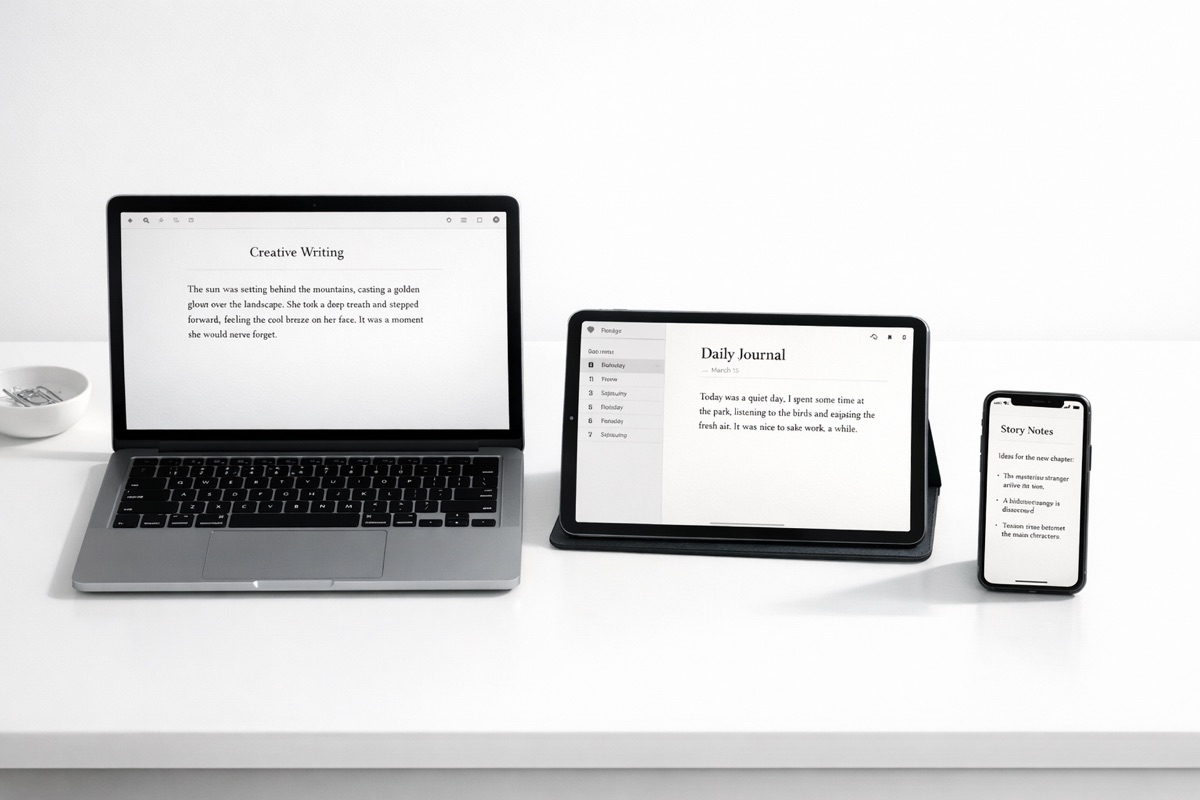
- The same app on Mac, iPad, and iPhone. One universal purchase, one consistent experience. Not separate apps developed on different timelines.
- Built-in cover designer and ebook reader. Design your cover and preview your EPub without leaving the app.
- Export is straightforward. Choose the format you need without the heavier compile workflow Scrivener is known for.
- One-time purchase. No subscription.
Ulysses
Closest Scrivener feature: Library-based organization. Where it differs: Markdown-native, subscription model, less suited to complex projects.Ulysses is polished and well-synced. Its flat library with nested groups and filters offers a different organizational model than Scrivener’s binder. It is especially good for Markdown users and writers who publish articles, blog posts, or other shorter-form work.
For novelists, Ulysses can work, but it lacks Scrivener’s scene-level depth and it does not try to handle screenplay workflows. It is also subscription-based.
iA Writer
Closest Scrivener feature: Focus mode. Where it differs: Minimal feature set, Markdown-only, no project-level organization.iA Writer is the opposite of Scrivener’s kitchen-sink approach. It is a focused single-document editor with strong typography and almost no project management. If you are leaving Scrivener because it feels too heavy, this is the cleanest possible reset.
It is not a serious replacement for Scrivener on large manuscript management, but it is excellent for essays, articles, and clean first drafts.
Dabble
Closest Scrivener feature: Plotting and goal tracking. Where it differs: Web-based, subscription model, less powerful export.Dabble offers plotting tools, story notes, and word-count tracking in a browser-based interface. It is a reasonable option for writers who want planning features without Scrivener’s density. The trade-off is the web-based model and the ongoing subscription.
How to choose
Switching away from Scrivener is a real workflow change, especially if you already have projects in Scrivener format. Before you move:- Identify what you actually use. Most Scrivener users use about 20% of its features. Know which 20% matters to you, and check that your alternative covers it.
- Try before you commit. Write something real, a chapter or a script scene, not just a test document, before migrating your projects.
- Check export compatibility. Make sure you can get your work out of the new app in the formats you need (EPub, PDF, Docx, FDX).
- Consider the iPad question. If cross-device writing matters to you, test the iPad experience specifically. This is where many alternatives outperform Scrivener.