How to self-publish an ebook: from manuscript to marketplace
Self-publishing is no longer unusual, but it still rewards the same things traditional publishing does: a strong book, careful packaging, and professional presentation. Uploading a file is easy. Publishing a book people want to read is the part that takes work.
If your manuscript is finished, the process is manageable. The trick is to treat each step, editing, formatting, cover, metadata, and distribution, as part of the product.
Preparing your manuscript
Before you think about storefronts or pricing, make sure the book itself is ready.Editing matters. At minimum, the manuscript needs a thorough proofread. Ideally, it also gets structural feedback and a copy edit. Readers may forgive a typo or two, but they notice when a book feels rushed.
Format for digital reading. Ebooks are reflowable. They need clean structure, not print-style page design. Avoid fixed layouts, forced spacing tricks, and formatting that only works at one screen size.
The EPub format
EPub is the standard format used by Apple Books, Kobo, Barnes & Noble, and most other retailers. Amazon uses its own delivery format, but it accepts EPub for conversion. A solid EPub file usually includes:- A linked table of contents
- Clear chapter hierarchy
- Embedded metadata such as title, author, and description
- A cover image that meets retailer specifications
Building your ebook with Plotten
Plotten can handle the practical parts of ebook assembly once the manuscript is ready:- Organize the book in chapters and scenes so the structure exports cleanly.
- Add or design a cover that will read well at thumbnail size.
- Preview the book in the reader to catch awkward breaks, missing headings, or formatting issues.
- Export to EPub with the cover and metadata included.
Choosing a platform
A few common options:- Amazon Kindle Direct Publishing (KDP): The largest market. You can enroll in KDP Select for Kindle Unlimited access, but this requires exclusivity.
- Apple Books: Strong on Apple devices and simple to work with if that is where your audience reads.
- Kobo Writing Life: Useful for international reach, particularly outside the US.
- Draft2Digital / Smashwords: Aggregators that help you distribute to multiple stores from one dashboard.
Pricing your ebook
There is no perfect price, but these ranges are common:- $2.99-$4.99 is a common starting point for fiction
- $0.99 is useful for promotions or series starters
- $9.99+ can work for specialized nonfiction or an established audience
Cover design matters
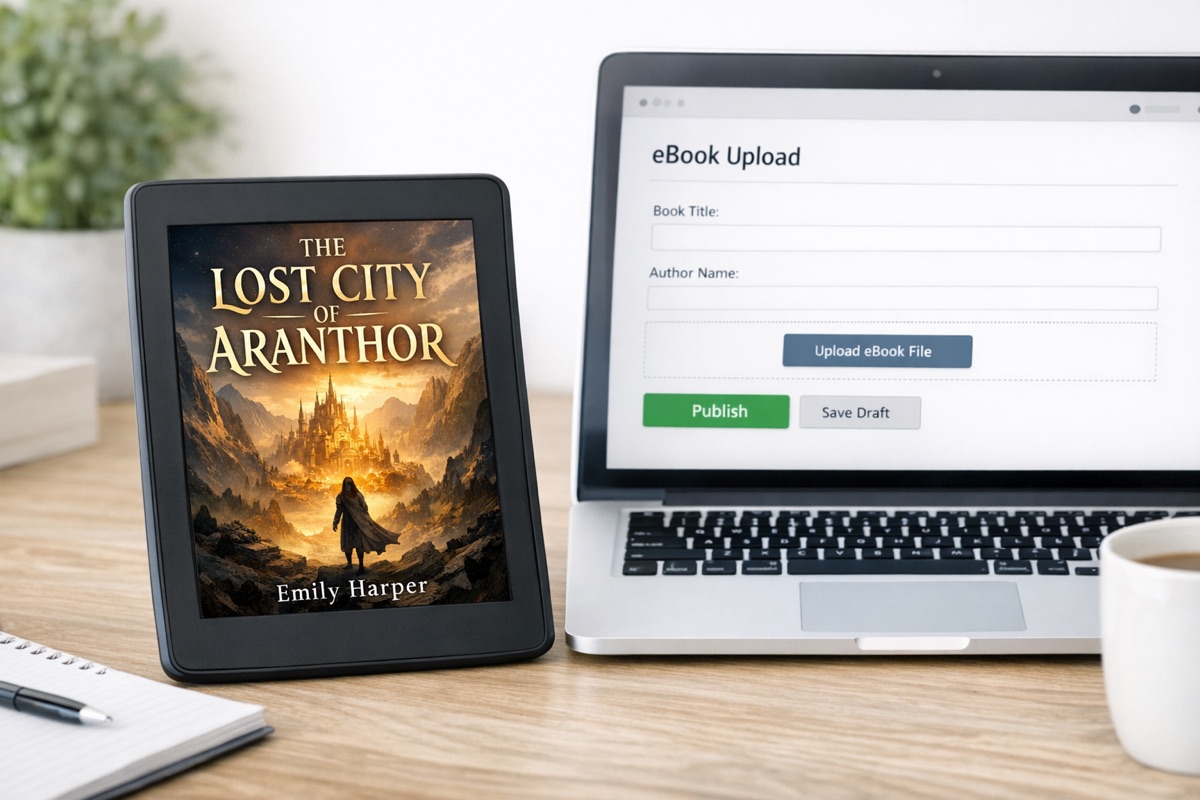
Your cover does a lot of work before anyone reads a sample. It needs to be readable as a thumbnail, legible on a phone, and clearly in conversation with the conventions of your genre.A cover does not have to be expensive, but it does have to look intentional.
Metadata and discoverability
Title, subtitle, categories, keywords, and description all affect whether the right readers find the book. Spend time on them. The description is not a synopsis for your own notes. It is sales copy.A simple way to calibrate this is to study the top sellers in your niche and note how they position similar books.
Launch and beyond
Publication is the start of the book’s life, not the end of the process. Reviews, newsletter mentions, social posts, and word of mouth all matter more once the book is actually available.If you approach self-publishing like a craft business instead of a quick upload, the process gets much clearer. Make the book strong, package it well, and put it where readers can find it.
Plotten is available on the App Store if you want to build and preview your ebook in one place.