
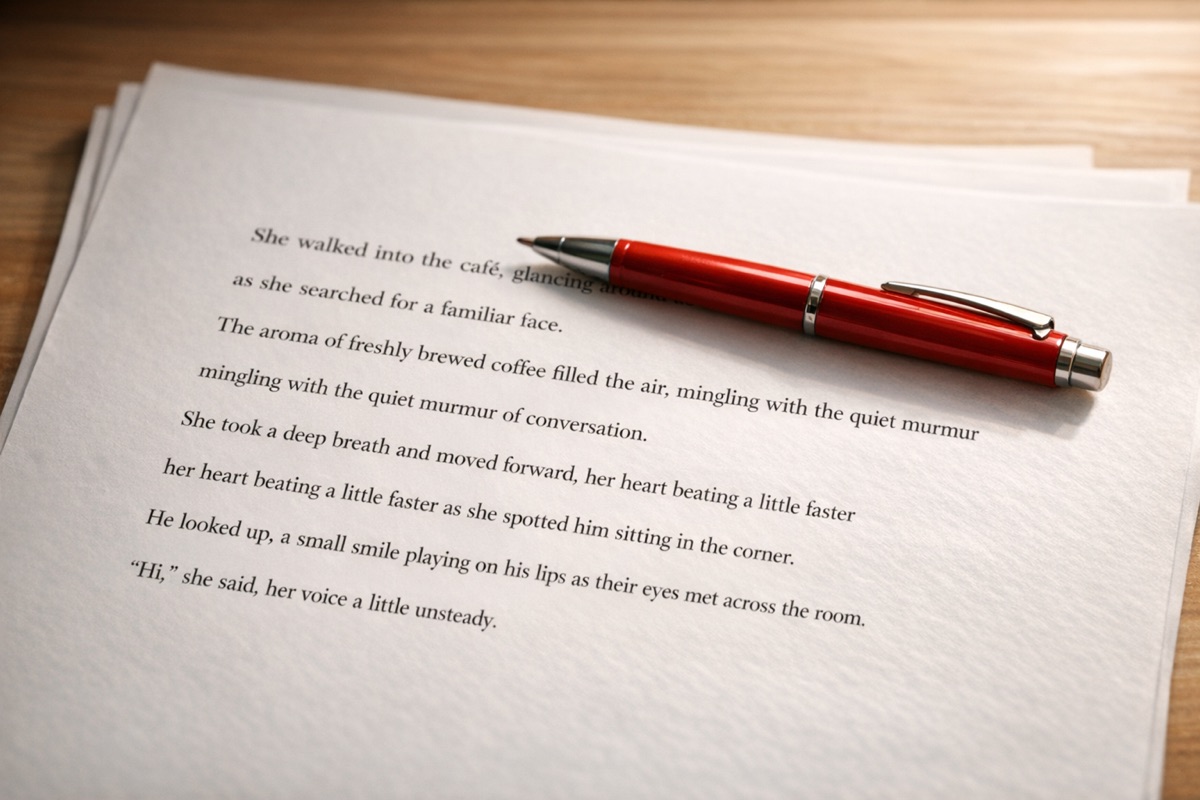
How to format a novel manuscript for submission
By the time you are ready to query agents or submit to publishers, the writing should be doing the heavy lifting. Formatting is not where you want to stand out. Standard manuscript format exists so readers can move through a submission without friction.
The good news is that the rules are straightforward. You do not need to make the pages look clever. You need to make them look familiar.
The standard manuscript format
Specific guidelines can vary a little, but the default submission format is still simple:- Font: 12-point Times New Roman or Courier
- Spacing: Double-spaced throughout
- Margins: 1 inch on all sides.
- Alignment: Left-aligned, not justified
- Indentation: First line indented 0.5 inches, with no extra space between paragraphs
- Page numbers: In the top right corner, usually with your last name and title
- Header: Your name, title, and word count on the first page
Scene breaks
Use a single centered# or
*** for a scene break. Do not rely on extra blank lines. They are easy to miss, especially once a file is converted or reformatted.
Chapter headings
Start each chapter on a new page. Put the chapter heading about one-third of the way down, then begin the text a few lines below it. You do not need anything ornamental.Common formatting mistakes
- Manual tabs everywhere. Use paragraph settings for first-line indents instead of hitting Tab at the start of each paragraph.
- Double spaces after periods. One space is standard.
- Decorative styling. Unusual fonts, colored text, and elaborate title treatments distract more than they help.
- Missing headers or page numbers. If pages get separated, you want them to be identifiable.
Why formatting matters
Agents and editors read a lot of submissions. Standard formatting makes the manuscript easier to read and easier to assess. It also gives a more reliable sense of length, which matters when people are quickly sizing up a project.None of this replaces the quality of the writing. It just removes an avoidable distraction.
Formatting with Plotten
Plotten lets you keep the drafting environment separate from the submission version of the manuscript:- Write without worrying about margins, headers, or page numbers.
- Choose manuscript export when you are ready to prepare a submission copy.
- Adjust the output if a specific agent wants a small variation.
- Export the formats you need from the same project instead of maintaining multiple versions by hand.
Before you submit
Do one last pass for the basics:- Word count is accurate
- Contact information is included where needed
- Chapter breaks start on new pages
- Scene breaks are clearly marked
- There are no stray formatting changes
- The file type matches the submission guidelines
Plotten is available on the App Store if you want manuscript export without reformatting by hand.